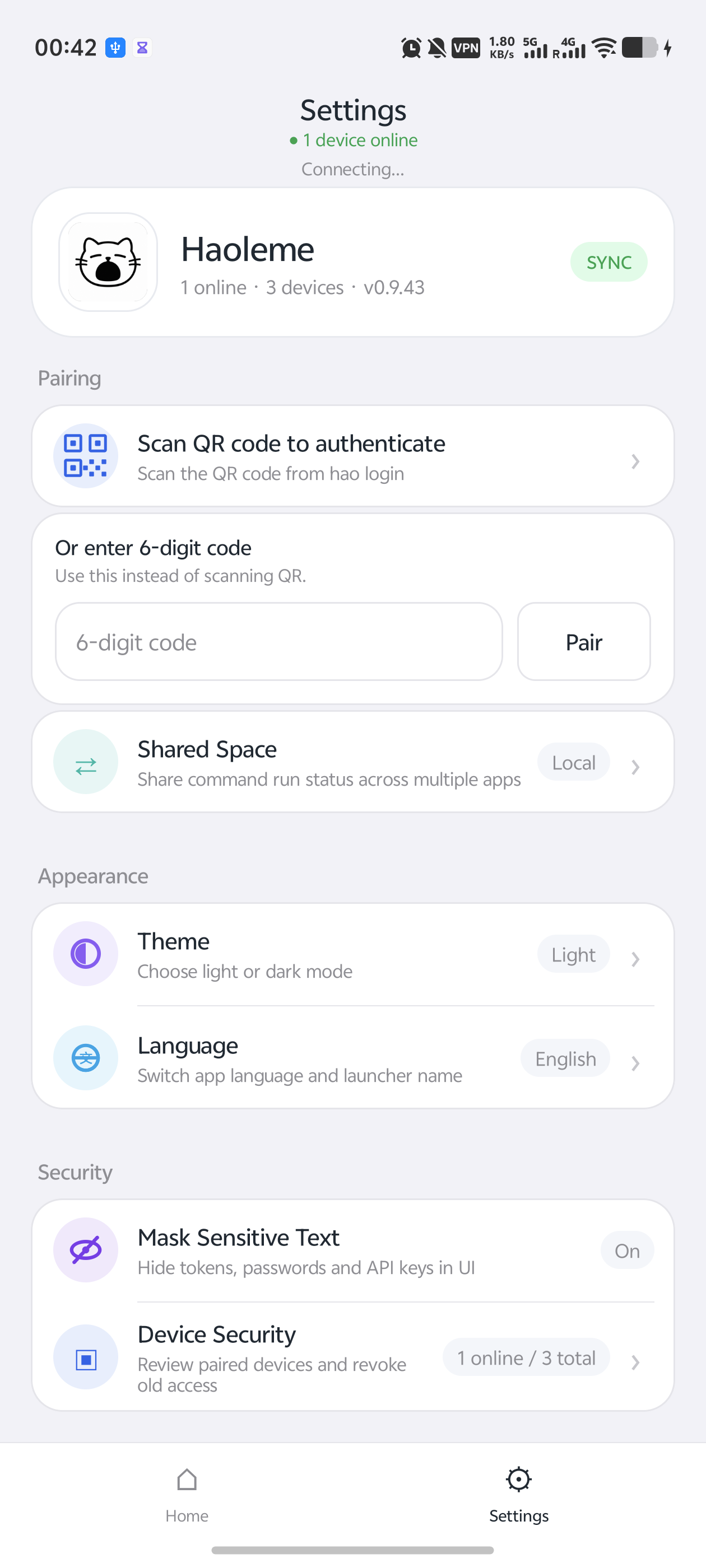
Live run status
See running, succeeded, and failed jobs at a glance, alongside device, GPU, and CPU status.
Let the command run. Stop watching it.
Track commands, console output, and device status from your phone. Get notified the moment a job finishes.
pip install -U haoleme
hao
$ hao python train.py
Haoleme run: 8f42c1
Epoch 23/100 loss=0.182
● running · GPU 0 · 92%
Why Haoleme
Built for training jobs, remote scripts, batch work, and every command that takes a while.
See running, succeeded, and failed jobs at a glance, alongside device, GPU, and CPU status.
View terminal output on your phone, search keywords, and load earlier history when needed.
Stop babysitting SSH. Your phone tells you when a command succeeds or fails.
Group runs by project and move quickly between computers and remote servers.
Runs upload after the network returns, while local cache keeps history available.
Commands, paths, and console output are encrypted on your devices. The cloud relays ciphertext.
Quickstart
pip install -U haoleme
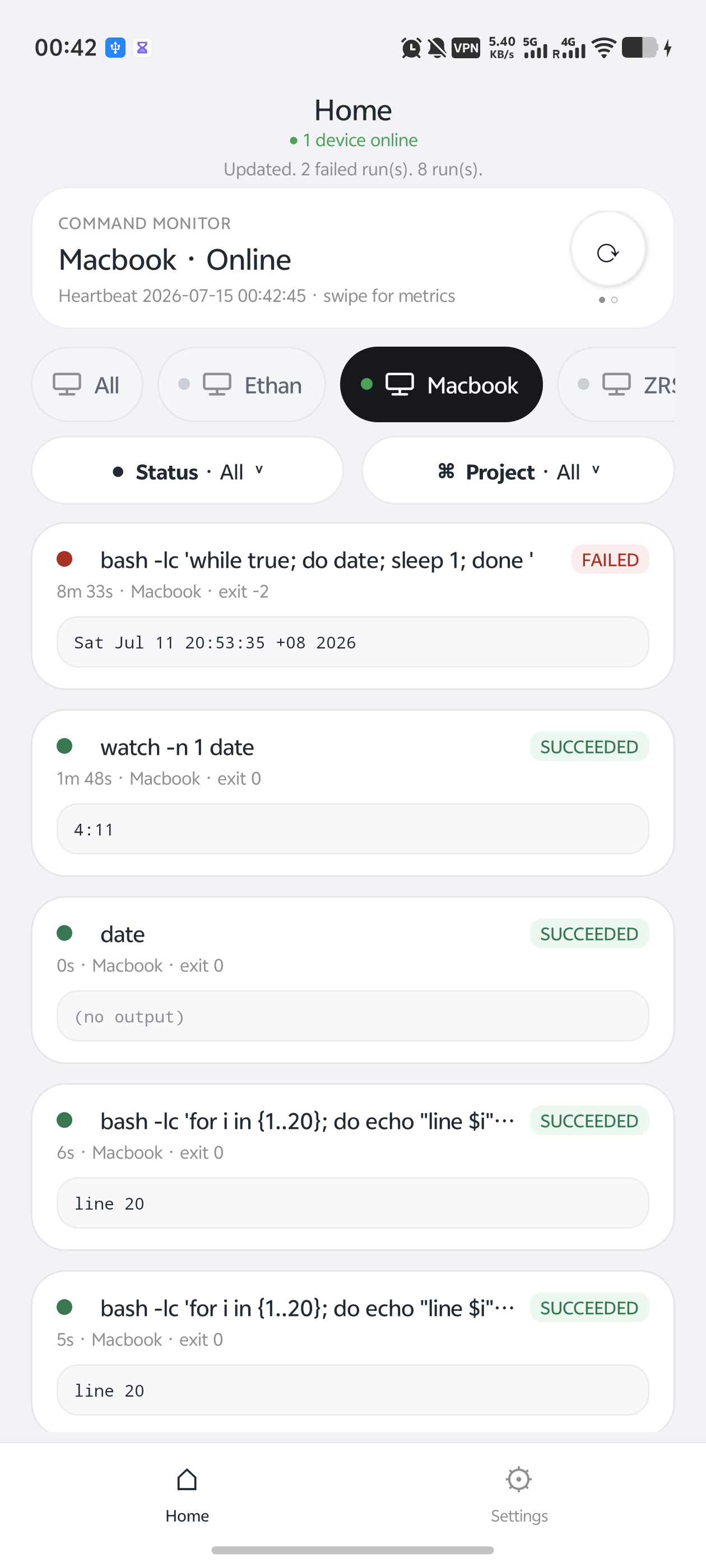
hao login
hao echo hello
That is really it
The command still runs in your terminal while its output syncs securely to the app.
# Python training
$ hao python train.py
# Shell script
$ hao bash run.sh
# Environment variables
$ hao CUDA_VISIBLE_DEVICES=0 python train.py
Security and open source
Pairing codes expire, devices can be revoked, and sensitive run content is end-to-end encrypted. Core App and CLI code is open for review.